How to Resize an Image Without Losing Too Much Quality
Meet file size and format requirements while keeping images clear.
October 20, 20264 min read
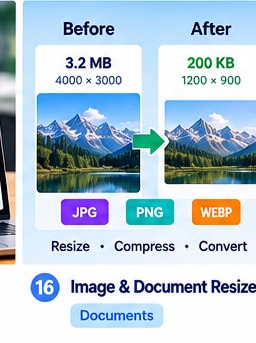
How to get started
1. Check the required format
Find allowed file types, dimensions and maximum file size.
2. Keep the original
Make a copy before resizing or converting.
3. Adjust dimensions and quality
Reduce size gradually until it meets the stated limit.
4. Check readability
Make sure faces, signatures and text remain clear.
5. Verify the final file
Follow portal instructions and check the output size.
Example
If a portal specifies a maximum photo size, follow that exact limit rather than assuming every portal accepts the same size.
Helpful reminder: This guide is general information. Confirm important requirements with the relevant official source. Tool results may be incomplete and do not guarantee a particular outcome.
Frequently asked questions
Does a smaller file always look good?
No. Heavy compression can blur details.
Are every portal’s photo rules the same?
No. Check current instructions for each application.