How to Check a Document for Visible Issues
Learn what to review and how to confirm a document with its issuer.
October 20, 20265 min read
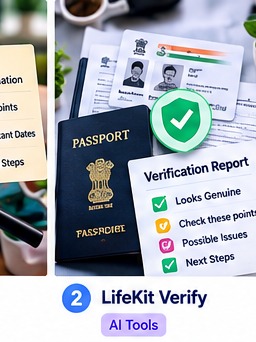
How to get started
1. Check names and dates
Compare spelling, dates and reference numbers with information you know is correct.
2. Look for missing details
Check required fields, signatures and pages.
3. Compare versions
If you have an earlier copy, note unexplained changes.
4. Verify with the issuer
Use the issuing organisation’s official portal or contact details.
5. Protect private information
Share only what is needed and avoid unnecessary sensitive details.
Example
A spelling difference in a certificate is something to investigate—not proof that the document is fake.
Helpful reminder: This guide is general information. Confirm important requirements with the relevant official source. Tool results may be incomplete and do not guarantee a particular outcome.
Frequently asked questions
Can a tool prove a document is genuine?
A visual check alone cannot establish authenticity.
What if something looks wrong?
Contact the issuing authority before relying on the document.